Mobile MFA with biometrics, PKI and QR provisioning for enterprises
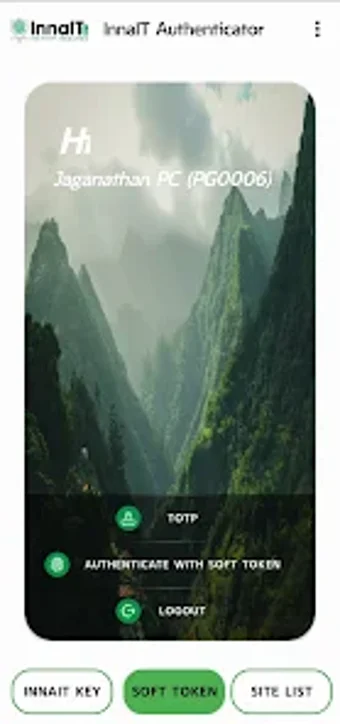
Experience InnaIT Authenticator, by PRECISION BIOMETRIC, built to replace passwords and reduce account impersonation in high-security access scenarios. It issues multi-factor checks through biometric confirmation, QR-code provisioning, SMS and push one-time passwords, and TOTP generation for offline authentication, integrating with enterprise identity frameworks. The app binds devices, uses PKI-backed tokens, stores credentials locally with encryption, and supports one-tap push approvals for regulated corporate and government users.
How the app replaces password authentication in practice
The app operates as a mobile multi-factor authenticator that substitutes single-factor passwords with layered identity checks. Authentication methods include QR-code provisioning, biometric verification, SMS OTP, push approvals and TOTP for offline use. In addition, device binding and local credential storage aim to limit credential portability; administrators provision accounts by issuing a QR code or integrating the tool into their identity stack.
How the app affects device and network activity
On-device operations such as biometric validation and TOTP generation limit reliance on live network calls for routine logins. The app targets Android devices that generally require Android 8.0 or higher, so background resource profiles follow current mobile capabilities. Encrypted transmission is used for networked operations, which keeps remote exchanges protected while keeping routine offline authentication available through time-based codes.
How the app meets regulatory and cryptographic expectations
Security is anchored to PKI-backed tokens and the developer's biometric ecosystem, which aligns with higher-assurance identity models. The tool is part of a FIDO2 L2 certified family and uses local-only encrypted storage to reduce cloud exposure. Operational safety includes device binding and encrypted token transport, which together support use in regulated banking, corporate, and government environments.
Do administrators and end users need specialised knowledge to operate it?
Deployment relies on IT-managed provisioning and enterprise integration rather than self-serve consumer setup, so administrators handle initial enrollment and PKI linkage. End users perform QR-code scans, biometric confirmations, or one-tap approvals for daily login tasks. In practice, basic user actions are straightforward, while policy configuration and PKI integration require administrative expertise and coordination with the organisation's identity systems.
A practical enterprise-grade authenticator with an organisational deployment trade-off
The app suits organisations that require hardware-backed identity and centrally managed access controls, delivering operational consistency for regulated workflows. The primary trade-off is the deployment model: it depends on administrative provisioning and integration with enterprise identity frameworks rather than self-service setup. Security teams gain a managed, high-assurance MFA tool while individual consumers receive limited standalone utility due to that managed deployment requirement.